Edit any image with GPT-level fidelity and the flexibility of open-source models. Upsample to 4K, re-shoot from any camera angle, and generate panoramic 180° and 360° images. Built on custom Triton kernels tuned for a single L4 GPU, the speed and savings come straight through to you: 50 free generations to start, then batch editing at scale for $0.002 a generation — in the browser or through the API.
Qwen Image Edit 2511 running on a single L4 GPU, with MissingLink's custom Triton kernels and optimized runtime doing the heavy lifting. Same feature set as vanilla 2511 — just efficient enough to serve batch jobs on budget hardware. Three editing modes in one browser studio: instruction-led, batch, and camera control.
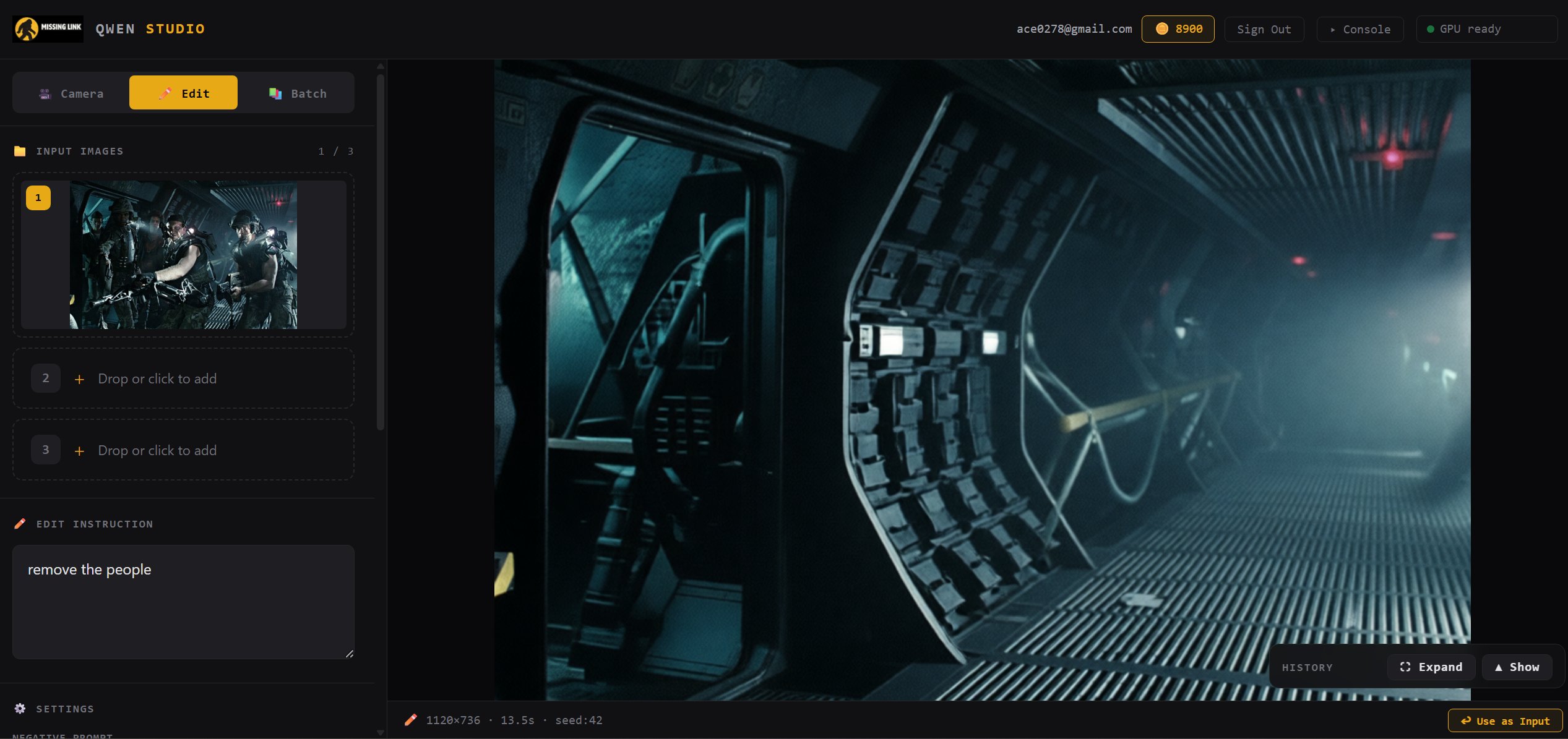
Drop in an image, type what you want changed, and Qwen Image Edit 2511 rewrites the scene. No masks, no brushes, no complicated UI — just natural language.
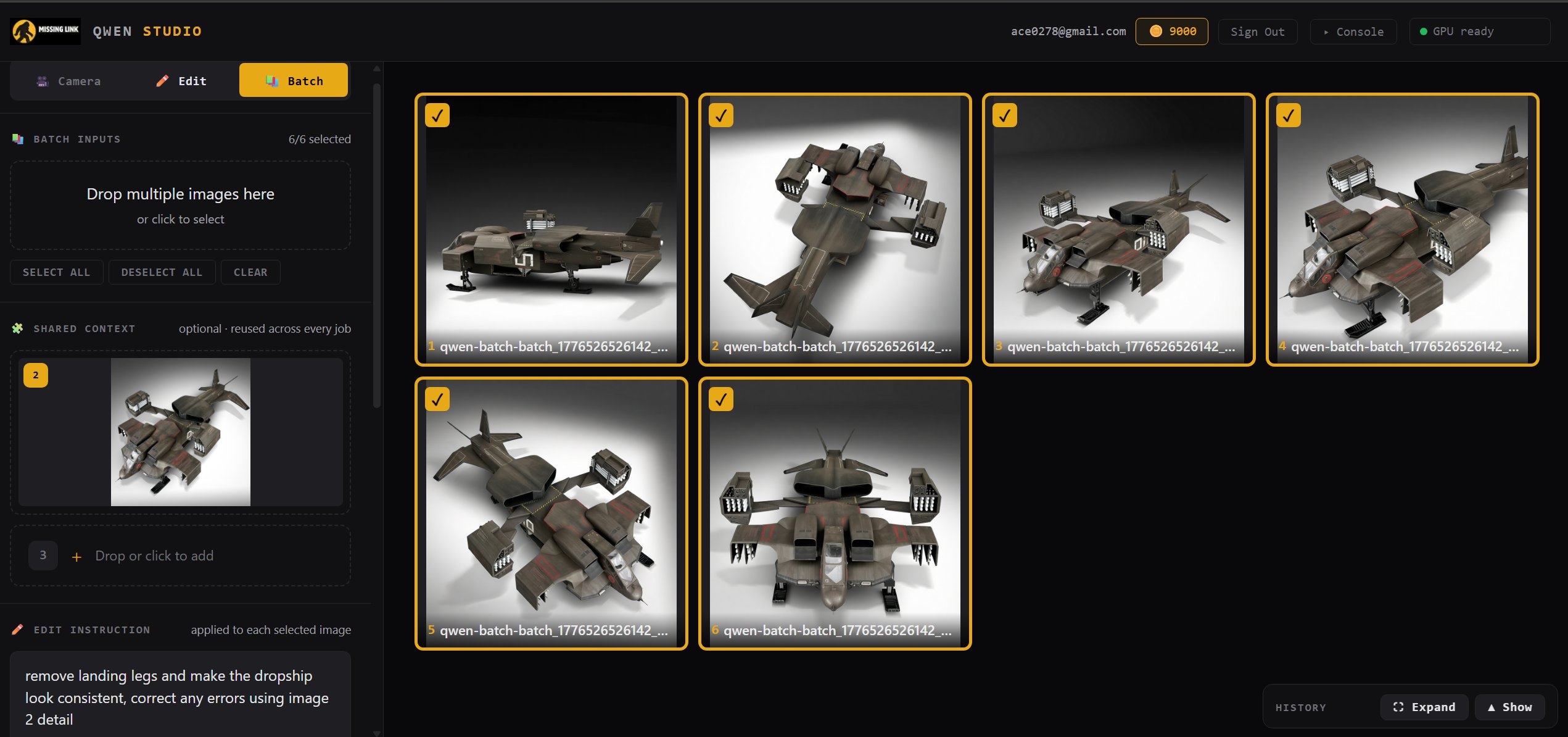
Queue up dozens of images, pin a shared reference for style consistency, write one instruction, and run the whole job. The shared-context approach is what makes batch viable at this price — one reference, one prompt, a whole set of edits.
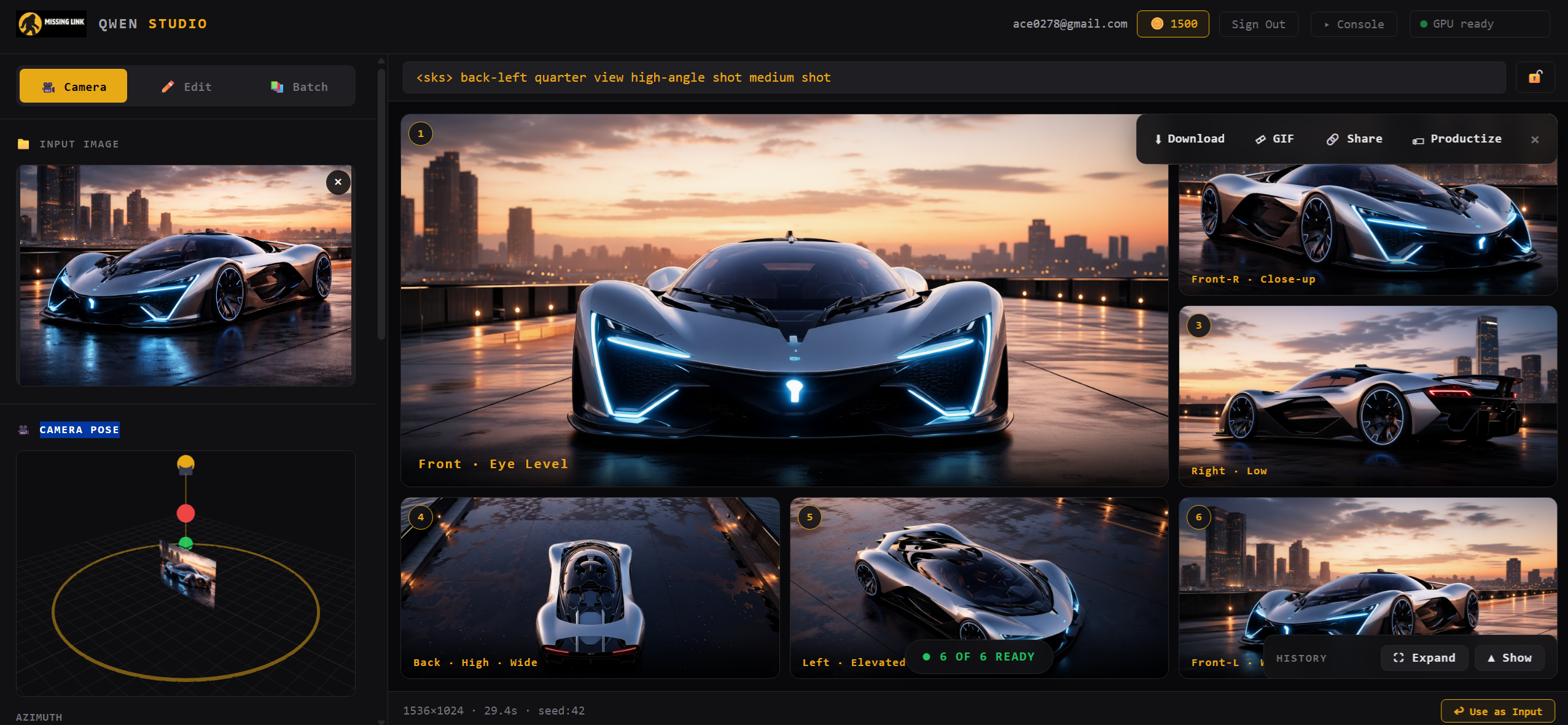
Lock in a subject and sweep the camera around it. Front, back, side, low, high — up to 12 angles in a single click, with an orbit widget for precise control. Ideal for character reference sheets, turntables, and consistent multi-view outputs.
Before
After
One photo in, a full character turnaround out — 96 camera poses, batched in one pass with per-view prompts.
Turn any batch into a product page — price, gallery, reviews, and a Buy Now button, one click.
Any batch exports as an animated turntable or a single labeled character-sheet PNG.
An AI scores each result against your prompt and rewrites the retry for the tiles that missed.
Load a whole set — even straight from your history — and apply one instruction to all of them.
Describe the goal; the agent writes per-view prompts, picks cameras, edits, and iterates.
Share to the gallery with a link, a product page, or an embed — tips and remixes pay you.
A second engine for stylized work — half-price renders on the same balance, same queue.
Instruction-led edits, multi-image reference, inpaint masking, batch jobs, and 360° camera reshoots — $0.002 an edit.
Explore Image Studio →Turn a single image into a textured 3D model with Microsoft's TRELLIS.2 — preview in the browser, export GLB.
Open TRELLIS.2 Studio →Generate seamless 360° panoramas and environment backdrops from a prompt or reference image.
Open Panorama Studio →Run SDXL with any CivitAI LoRA — paste a link, generate in your style. No downloads, no VRAM math.
Open LoRA Studio →Every studio capability as a token-authenticated endpoint. Wire $0.002 edits into your own product or pipeline.
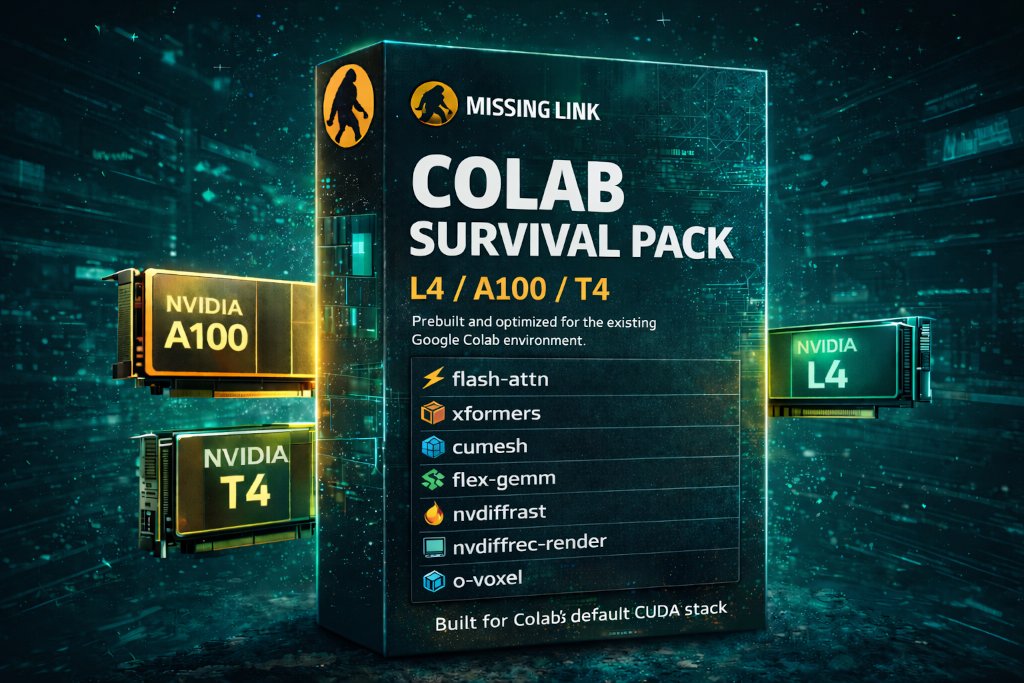
See endpoints & quickstart →The same kernels as prebuilt wheels — TRELLIS.2, Wan2.2, Z-Image, Qwen and more on A100, L4, and T4.
Browse notebooks →Custom kernels for the hot paths in Qwen Image Edit 2511 inference, tiled and tuned specifically for L4 (SM 8.9). Bandwidth-bound workloads, handled properly.
The surrounding Python pipeline rewritten around the kernels — fused graphs via torch.compile, static batch shapes, and hot-model residency across jobs.
Static batch shapes, hot-model residency across jobs, and shared-context handling mean batch edits hold their speed all the way through the queue.
A single L4 is ~$0.80/hr on most clouds. Our kernels make Qwen Image Edit 2511 fit and run there — which is why the hosted price can stay where it is.
The kernels are benchmarked against a stock Modal deployment (vanilla PyTorch + diffusers). Buy them standalone if you'd rather use your own serving infra.
Same optimization philosophy packaged as prebuilt wheels for TRELLIS.2, Wan2.2, Z-Image, and more — on Colab A100, L4, and T4.
Run TRELLIS.2 in Google Colab with a custom Studio UI. Image-to-3D model generation with batch processing, real-time GPU monitoring, turntable video renders, and GLB/MP4 export — all on A100.
Open notebook →Fast text-to-image generation in Google Colab with optimized inference. High quality image outputs with prebuilt dependencies — no compile step.
Open notebook →Quantized GGUF image generation in Colab. Lower VRAM usage makes this runnable on L4 and T4 GPUs with strong output quality.
Open notebook →Text-to-video generation in Google Colab using quantized Wan2.2 GGUF models. Generate video clips from text prompts on A100 or L4.
Open notebook →Image-to-video generation in Colab with Wan2.2 GGUF. Combine an image and text prompt to animate stills into video with directional control.
Open notebook →Instruction-based image editing in Google Colab with LoRA support. Edit images using natural language prompts — quantized for Colab GPU limits.
Open notebook →More notebooks coming soon. Have a request? Let us know.
Prefer to work in notebooks? The same Triton kernels and optimized libraries that run Image Studio are available as prebuilt wheels for Google Colab. One purchase, every supported notebook — TRELLIS.2, Wan2.2, Z-Image, Qwen — on A100, L4, and T4.
Designers and creators editing product shots, concept art, and marketing images
Game artists generating character reference sheets and multi-angle views
Teams running batch edits across hundreds of images with shared context
Developers wiring $0.002-per-edit API calls into their own products — or running our Triton kernels on their own infra
Researchers running advanced image, video, and 3D notebooks in Colab
No — it's the same Qwen Image Edit 2511 weights others host. The savings come from our kernels fitting it on cheaper hardware, not from cutting the model down.
Sign in with Google. No separate passwords, and it keeps the free tier bot-free. New users get a 7-day free trial.
Yes, instantly — manage or cancel through the Stripe portal. We never see your card.
Your uploads are used only to run your job. We don't train on your images or resell them.
Open Image Studio in your browser, wire it into your pipeline with the API, or grab the Colab Survival Pack to run the same stack in your own notebooks. First 50 edits free.