Edit any image with a sentence, then upsample to 4K and re-shoot from any angle. Image Studio is built on custom Triton kernels and a runtime tuned for a single L4 GPU — the speed and savings come straight through to you. Batch image editing at scale, $0.002 a generation.
Qwen Image Edit 2511 running on a single L4 GPU, with MissingLink's custom Triton kernels and optimized runtime doing the heavy lifting. Same feature set as vanilla 2511 — just efficient enough to serve batch jobs on budget hardware. Three editing modes in one browser studio: instruction-led, batch, and camera control.
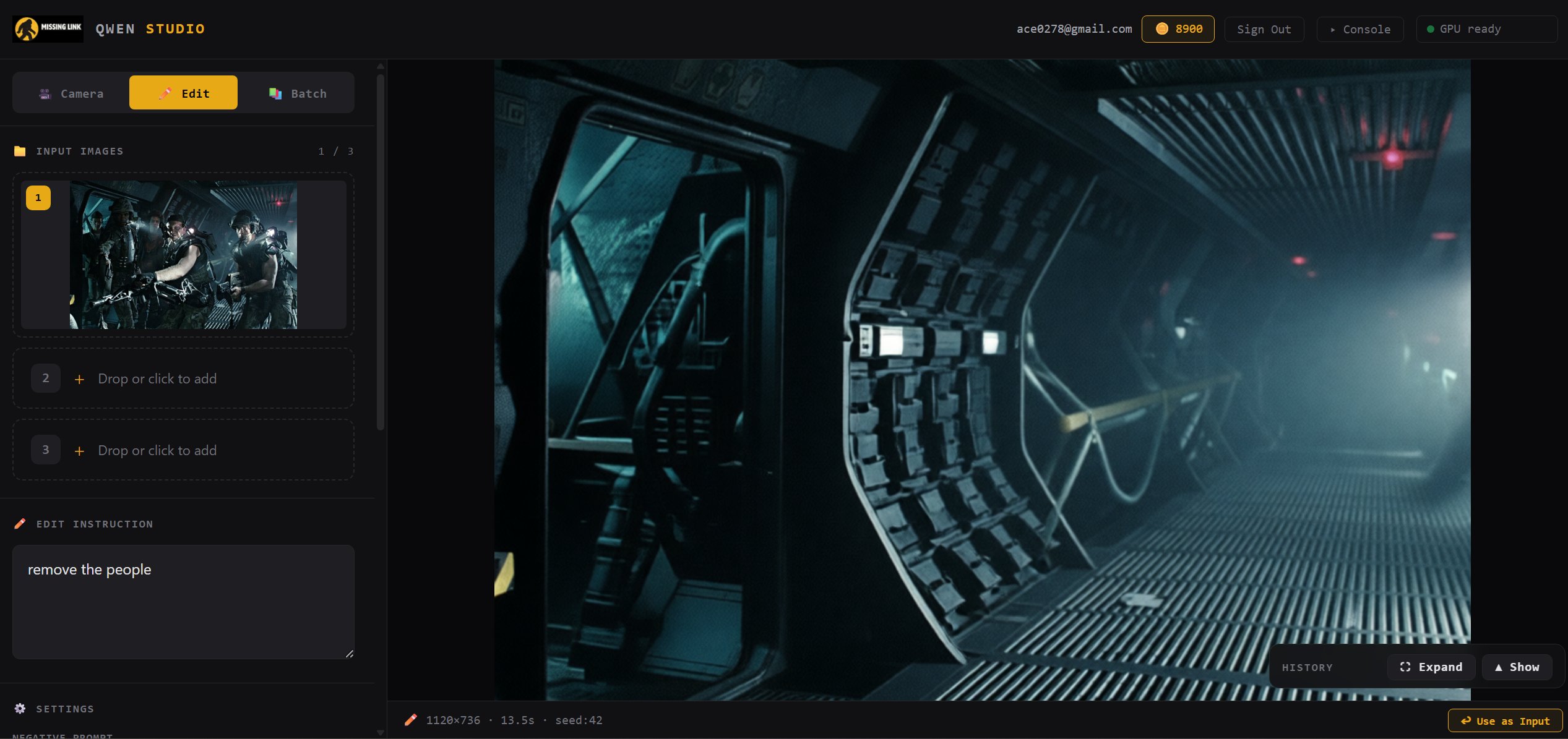
Drop in an image, type what you want changed, and Qwen Image Edit 2511 rewrites the scene. No masks, no brushes, no complicated UI — just natural language.
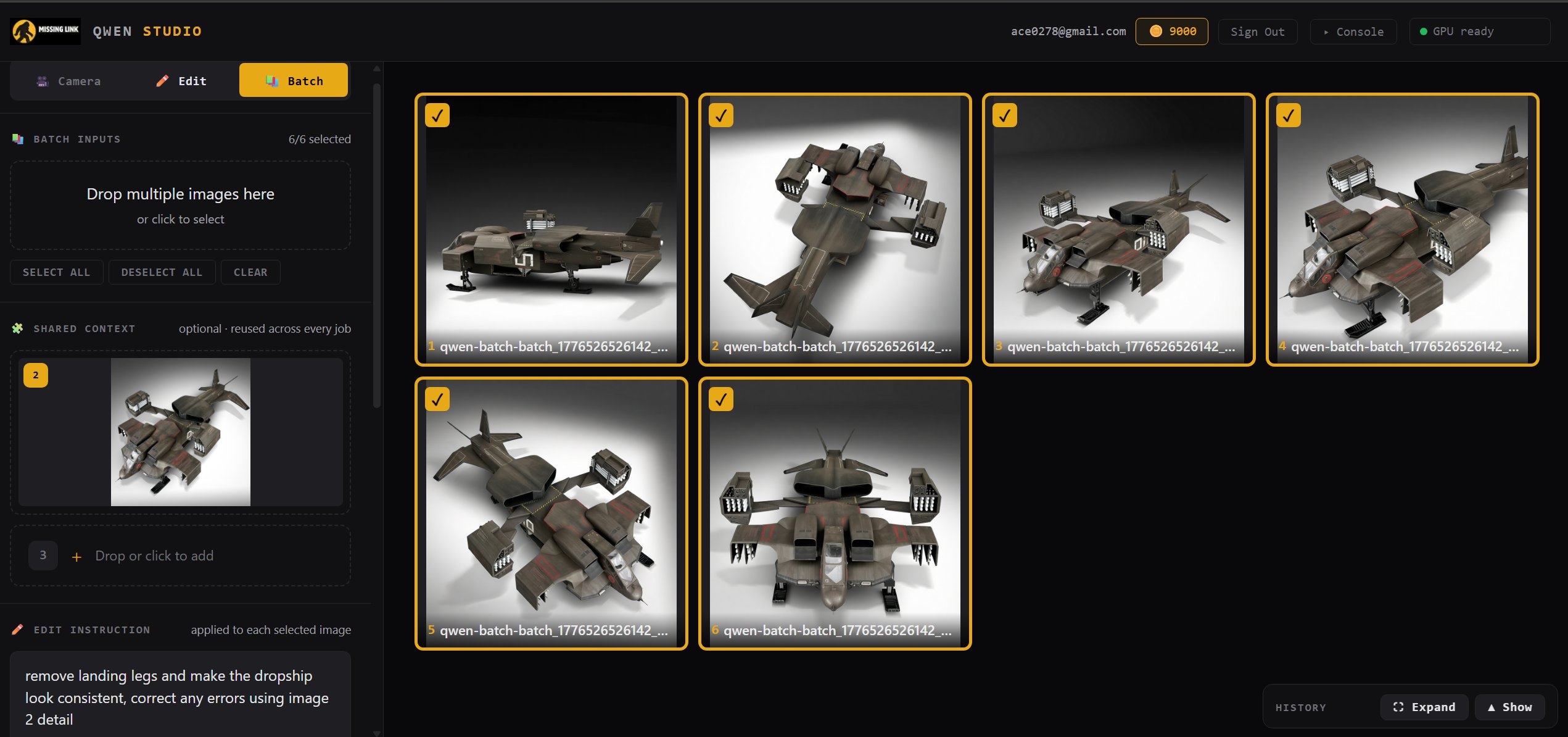
Queue up dozens of images, pin a shared reference for style consistency, write one instruction, and run the whole job. The shared-context approach is what makes batch viable at this price — one reference, one prompt, a whole set of edits.
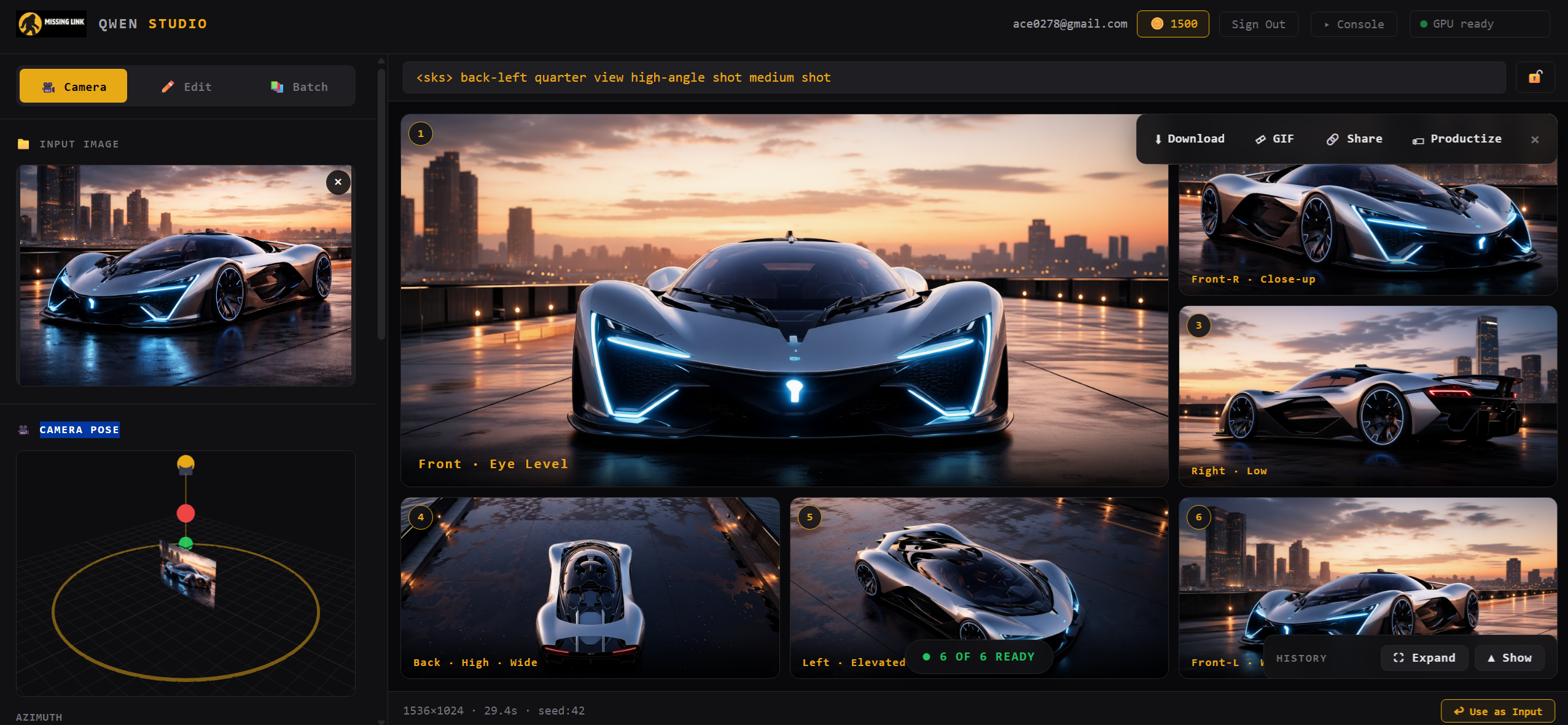
Lock in a subject and sweep the camera around it. Front, back, side, low, high — up to 12 angles in a single click, with an orbit widget for precise control. Ideal for character reference sheets, turntables, and consistent multi-view outputs.
Custom kernels for the hot paths in Qwen Image Edit 2511 inference, tiled and tuned specifically for L4 (SM 8.9). Bandwidth-bound workloads, handled properly.
The surrounding Python pipeline rewritten around the kernels — fused graphs via torch.compile, static batch shapes, and hot-model residency across jobs.
Static batch shapes, hot-model residency across jobs, and shared-context handling mean batch edits hold their speed all the way through the queue.
A single L4 is ~$0.80/hr on most clouds. Our kernels make Qwen Image Edit 2511 fit and run there — which is why the hosted price can stay where it is.
The kernels are benchmarked against a stock Modal deployment (vanilla PyTorch + diffusers). Buy them standalone if you'd rather use your own serving infra.
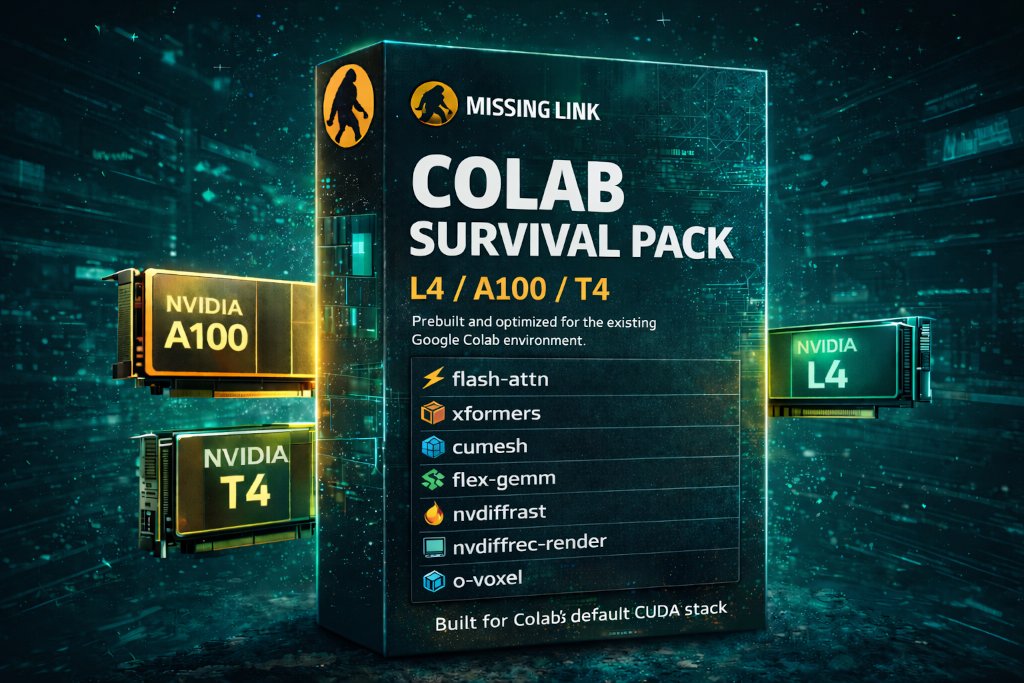
Same optimization philosophy packaged as prebuilt wheels for TRELLIS.2, Wan2.2, Z-Image, and more — on Colab A100, L4, and T4.
Run TRELLIS.2 in Google Colab with a custom Studio UI. Image-to-3D model generation with batch processing, real-time GPU monitoring, turntable video renders, and GLB/MP4 export — all on A100.
Open notebook →Fast text-to-image generation in Google Colab with optimized inference. High quality image outputs with prebuilt dependencies — no compile step.
Open notebook →Quantized GGUF image generation in Colab. Lower VRAM usage makes this runnable on L4 and T4 GPUs with strong output quality.
Open notebook →Text-to-video generation in Google Colab using quantized Wan2.2 GGUF models. Generate video clips from text prompts on A100 or L4.
Open notebook →Image-to-video generation in Colab with Wan2.2 GGUF. Combine an image and text prompt to animate stills into video with directional control.
Open notebook →Instruction-based image editing in Google Colab with LoRA support. Edit images using natural language prompts — quantized for Colab GPU limits.
Open notebook →More notebooks coming soon. Have a request? Let us know.
Prefer to work in notebooks? The same Triton kernels and optimized libraries that run Image Studio are available as prebuilt wheels for Google Colab. One purchase, every supported notebook — TRELLIS.2, Wan2.2, Z-Image, Qwen — on A100, L4, and T4.
Designers and creators editing product shots, concept art, and marketing images
Game artists generating character reference sheets and multi-angle views
Teams running batch edits across hundreds of images with shared context
Developers who need optimized Triton kernels and fast AI runtimes
Researchers running advanced image, video, and 3D notebooks in Colab
Open Image Studio in your browser and run your first edit on MissingLink's optimized runtime — or grab the Colab Survival Pack to use the same stack in your own notebooks.